

LEXA helps teaching staff at TU Graz develop questions and exercises from their existing teaching materials. Users choose the source documents and settings; LEXA produces editable suggestions. Subject-matter review and approval remain with the teaching staff.
What does LEXA do?
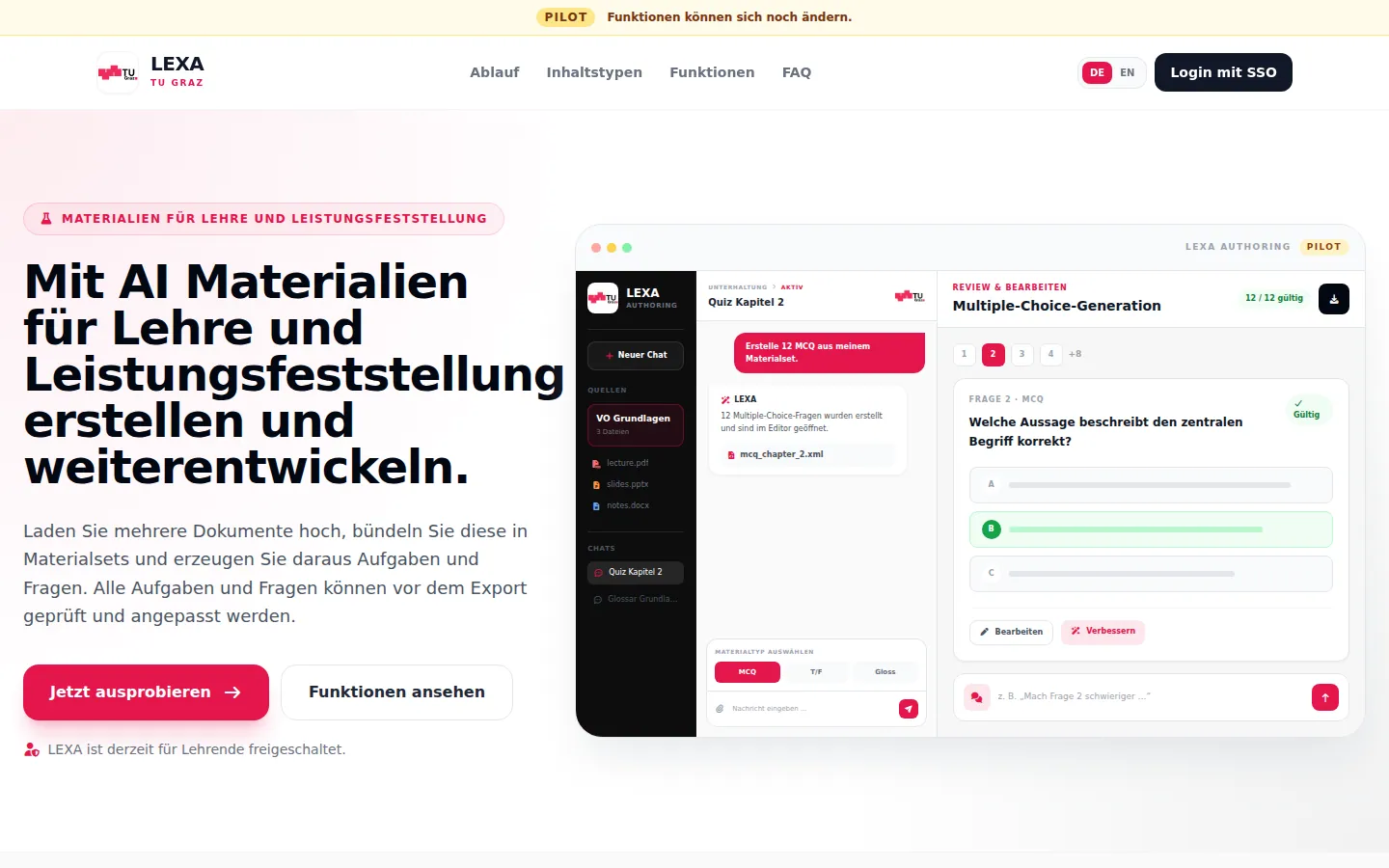
In LEXA, users can upload several documents and organise them into material sets. An AI language model creates questions and exercises from the selected sources. Content type, language, difficulty, taxonomy level and topic focus can all be set. The results can be reviewed in the editor, revised manually or with AI support, and then exported.
LEXA currently supports:
- multiple-choice questions
- true/false questions
- glossaries
- CodeRunner exercises
- open-ended exercises
- mixed exercises
The generated content can be downloaded as XML or HTML files and reused in a learning management system. LEXA does not transfer content directly to the learning management system.
How it works
- Sign in with your TU Graz account and accept the privacy policy and the terms of use.
- Upload source documents and, if needed, group them into material sets.
- Choose the content type and settings; have questions or exercises generated.
- Review the results for subject accuracy and edit them in the editor.
- Download the finished content as XML or HTML.
Review before use
AI-generated content may contain errors. Users must review and correct it before use. Only materials that you are authorised to process may be uploaded.
Try it now
Using the service requires signing in with a TU Graz account.
Further links
LEXA is operated by the Future Learning, Analytics & AI for Teaching (FLAAIT) team of the Educational Technology unit at TU Graz, in collaboration with the Ed-Tech Research Community Graz.